




Product support
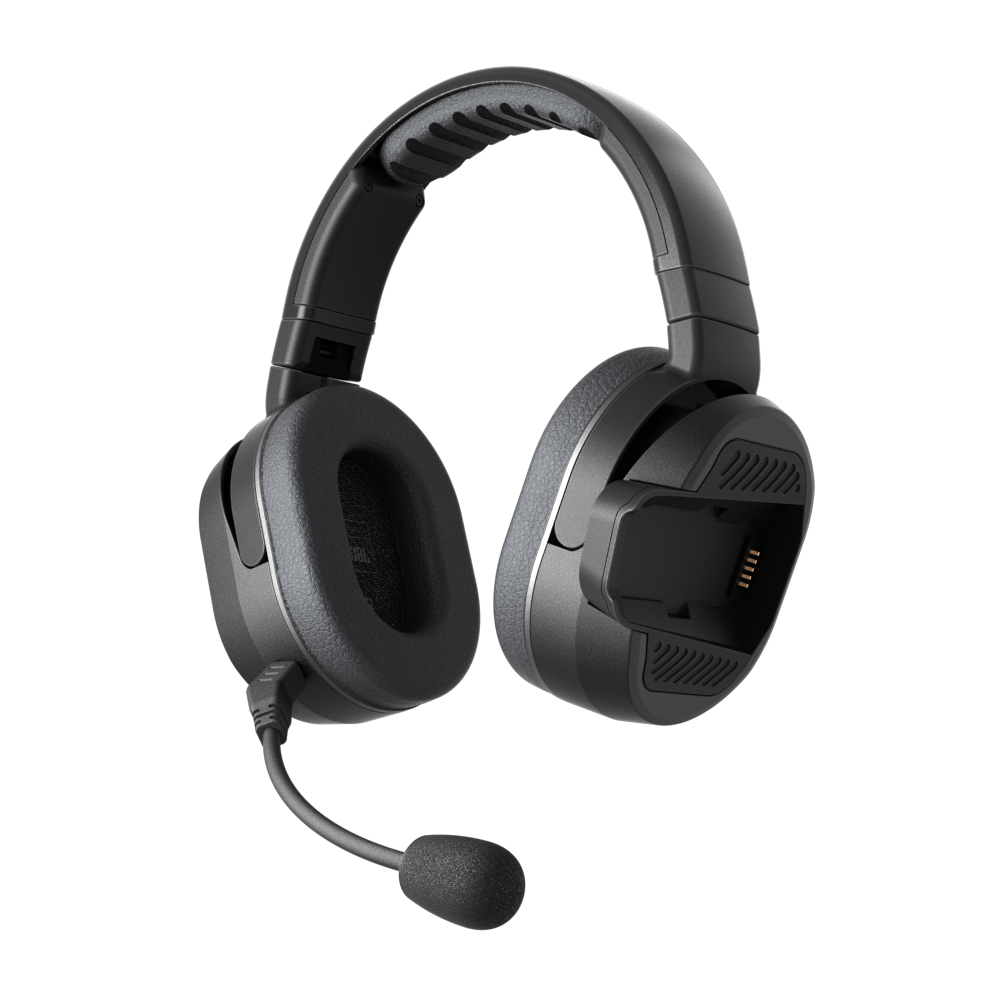
PACKTALK EDGEPHONES
Have questions about Mesh Boost? Click here.
Are the EDGEPHONES speakers replaceable?
Can I replace the mic?
Can I replace the paddings?
Can I wear the EDGEPHONES for long hours?
Do the EDGEPHONES offer sound by JBL?
Does Cardo offer a warranty for the EDGEPHONES, or only for the EDGE units?
How big is the carrying case?
How does the PACKTALK EDGE mount on the EDGEPHONES?
What are the most popular applications for the EDGEPHONES?
What size do the EDGEPHONES come in?
Which PACKTALK units are compatible with the EDGEPHONES?
Are the EDGEPHONES ORV weatherproof?
Control, configure and enjoy your ride!
Cardo Connect is a comprehensive yet intuitive interface to manage and control your Cardo Packtalk, Freecom and Sync communication systems.
Personalize your device, set all its various features and control it on the go with a clean, engaging and easy to use design.
Whether it's Music, audio sharing, Radio, Dynamic Mesh (DMC) and Bluetooth intercom or phone control – Cardo Connect got you covered.
It even has a “secret” Quick Access button to enable full control of all the above from one screen!
Just try it out for yourself!
Cardo Connect selected features:
- Remote Control for Dynamic Mesh, Bluetooth and Cellular Intercom
- Phone, music and radio control
- Auto day/night mode
- Quick Access
- Complete device setting, presets and customization.
- Embedded pocket guides
- Smart audio mix
- Updates on latest firmware
- Multi-lingual support
- Reset device
- Access to support


View the Safety, Compliance and Warranty information by clicking one of the links below:
For Packtalk Pro.
For Freecom 1/2/4/1+/2+/4+, Packtalk, Packtalk Slim, Packtalk Bold, Packtalk Black, Packtalk Ski.
For Edgephones ORV.
For Packtalk-S/4X-S.
For HJC Packtalk, HJC 4X, HJC Spirit.
For Cardo Venture.
For Cardo Sync.
WATCH. LEARN. RIDE.
